
Get started with alerts
Poracle is the bot that sends LlamaP alerts to your private messages. You decide what it tells you about: a 100% IV Pokémon nearby, an XXL for a Showcase, a 5-star raid egg, a quest that gives Stardust…
First, the bot needs permission to message you. Follow the steps for the app you use.
Telegram
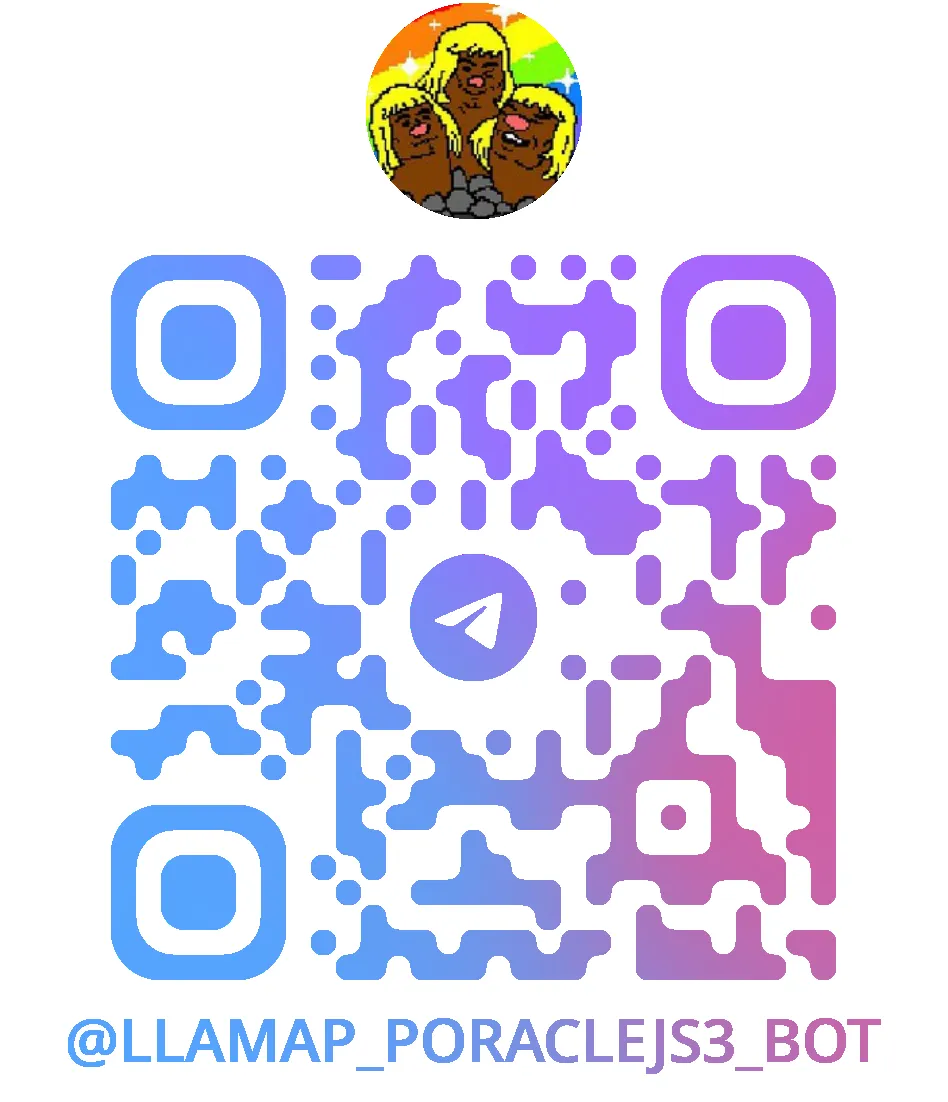
Section titled “Telegram”- Bot: @LlamaP_PoracleJS3_bot
- Command prefix:
/
Show a QR code that opens the bot
- Join the group LlamaP Notificaciones Personalizadas.
- In the group, send this command:
/poracle@LlamaP_PoracleJS3_bot - The bot replies with a green tick (✅) and tells you to open a private chat with it.
- Open @LlamaP_PoracleJS3_bot and tap Start. Telegram doesn’t let bots start a chat with you, so this step is up to you.
Discord
Section titled “Discord”- Bot: @Poracle#4153
- Command prefix:
!
- On the LlamaP Discord server, go to the
#poracle-dm-setupchannel. - Send
!poracle. - The bot reacts to your message with 👌. From now on, it can message you privately.
Next: choose your alerts
Section titled “Next: choose your alerts”There are two ways to do it:
- Using commands: faster once you know them.
- Using the map: more visual, and easier if you’re just starting.
Whichever you choose, start by telling the bot where you play: a location, or one or more areas.