
Log in to the map
The map lives at reactmap.llamap.com.
When you open it, choose how to sign in:
- Discord (top, green button): the map checks your roles on the LlamaP Discord server.
- Telegram (bottom, blue button): the map checks that you’re in one of the LlamaP 100% IV channels on Telegram.
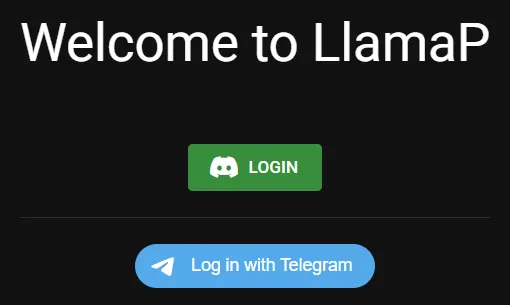
Pick the app you use for the LlamaP community.
Can’t get in?
Section titled “Can’t get in?”- The map says you don’t have access: make sure you joined the Discord server or the Telegram channel with the same account you’re logging in with.
- Telegram login doesn’t finish: Telegram sends a confirmation to your Telegram app. Accept it there, then go back to the browser.
- Still stuck? Message Astu on Telegram.