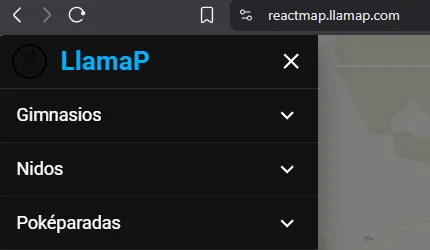
Change the map language
-
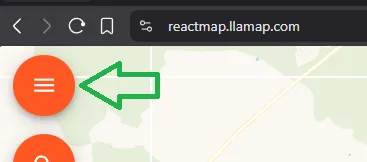
Open the map, log in if needed, and tap the orange menu button (☰) to open the sidebar.
-
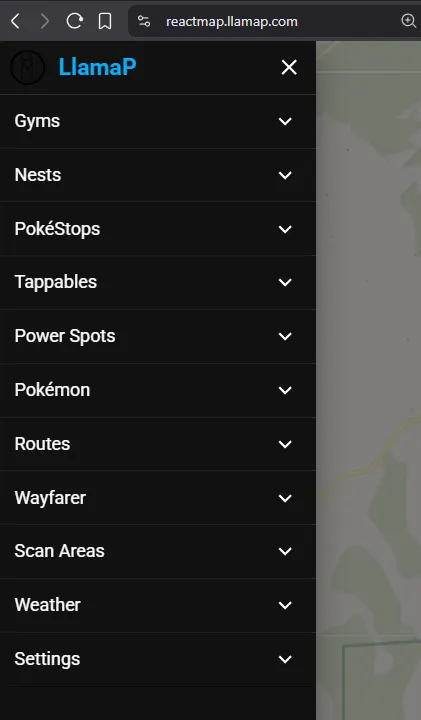
Scroll down and open Settings.
-
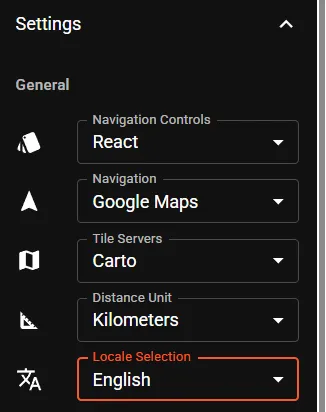
Tap Locale Selection to see the list of languages.
-
Pick your language.
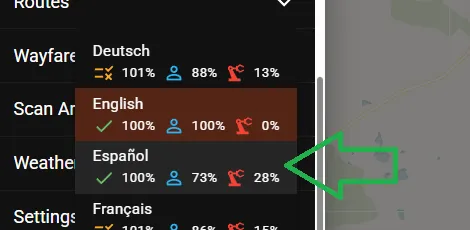
The map switches language straight away: